Physical Address
H 100 Okhla Phase 1, New Delhi 110020
Physical Address
H 100 Okhla Phase 1, New Delhi 110020
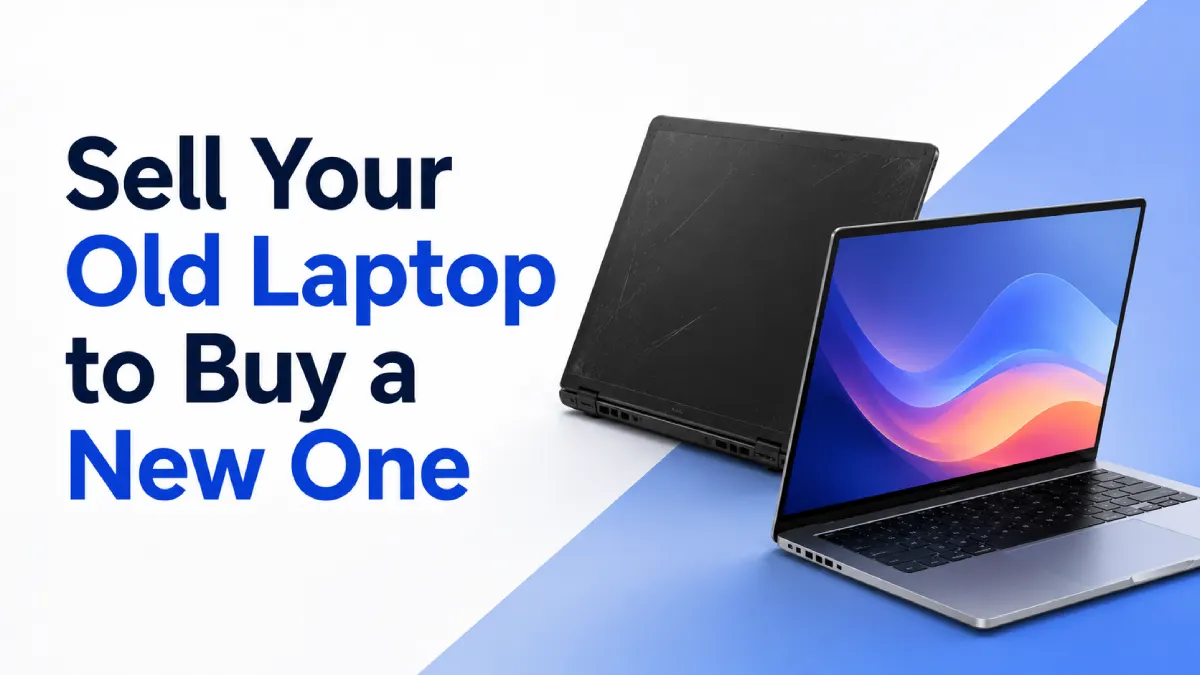
It is always fun to get a new laptop, but sometimes it might become expensive. If you already own an old laptop that you are using, selling it before buying a new one will enable you to reduce the expenses involved in the process. Instead of keeping your old laptop stored somewhere inside your closet, you can sell it and earn some money to purchase a better laptop for yourself.
Whether you are a student, a professional, a businessman, a freelancer, or a content writer, it will assist you in becoming more productive and efficient. It will provide you with a laptop that will work better than your old laptop and meet all your needs.
There are certain things that you have to do to sell your laptop before you buy a new one. You have to protect your data, know its value, use a good platform to sell, and then, finally, get a new laptop according to your needs.
A laptop is not an asset that retains its worth forever. With the advent of new models, an old one loses its charm for customers. Besides, its hardware can become obsolete since there could arise a need for new software that might require higher processing capability, memory space, or storage space.
In this way, selling your laptop while it is still functional will assist you in earning some money that will act as compensation for the cost of the new laptop or will serve the purpose of buying some other accessory such as a laptop bag, wireless mouse, additional storage, or even a warranty.
Now, when you buy a new laptop that costs ₹55,000, and you sell your old laptop that costs ₹15,000, your cost will be ₹40,000. However, the cost of the secondhand laptop will be based on many factors, including brand, model, age, and specifications of the laptop.
It is advisable to sell your laptop, as you can save yourself from the additional cost of repair. If your laptop is slow, overheating, does not have sufficient battery backup, and cannot work with the software that you intend to install, then you will not be able to do anything except sell it.
A used laptop should not necessarily be immediately replaced. You can use it if it works fine for surfing the Internet, editing documents, taking online courses, and entertainment. However, there are some indications that you need to get an upgraded laptop.
Lack of speed during startup is one of the first signals. A laptop that takes many minutes to boot up or hangs when you open any application lacks power, RAM, or space for storing information.
Another common problem is lack of battery life. A laptop that works for a limited time without charging may become a problem because it becomes difficult to carry it around all day long.
If the tasks that you do require better performance of the laptop, you should replace your current computer. Such activities as video editing, programming, graphic design, games, etc., demand more powerful computers than basic laptops.
The damage to the computer needs to be taken into account. Cracked screen, malfunctioning keyboard, broken USB ports, dysfunctional hinges, and noisy fans may all impact your use of the computer. While the computer is still valuable for resale, we need to be informed about the damage.
The value of used laptops depends on various parameters. They include brands, models, age, processors, RAM, storage, screens, batteries, and overall condition.
Younger computers usually get better offers; however, their age is not the only parameter. A premium laptop in good condition can have higher resale value than a relatively new entry-level computer. Laptops with solid-state drives, more RAM, newer processors, and a full HD screen might also attract buyers.
The condition of the device is of equal importance. A laptop that has no dings on its body, has a working keyboard, a clear screen, functioning ports, and a good charger will get a better offer than one that has several issues.
The availability of the accessories will make the selling process easier for you. Hold onto the charger, purchase invoice, product box, and warranty documentation. Even though it would be possible to sell a device without these things, you will have a better experience selling if you have them.
Ensure that you first familiarise yourself with the details of your computer before accepting any offer. All details regarding the processor, RAM, storage, and operating system can be found in the settings.
Prior to selling your laptop, ensure that you have secured your personal data. You should start off by making a copy of all files. These include pictures, documents, movies, and other work as well as educational projects. They can be stored on an external hard disk, pen drive, or cloud storage account.
Once the copies of your files are made, log out of all accounts. This includes email, social media accounts, cloud storage accounts, messaging services, and office accounts. Delete all saved passwords on your web browser.
However, just deleting files might not be enough since deleted files can be recovered at times. You should do a factory reset or reinstall your operating system to get rid of your data. If you are unaware of the steps, refer to the manufacturer of your laptop or your operating system.
You should also remove the laptop from your account management pages. Services such as Google, Microsoft, and Apple may show devices connected to your account. Removing the old laptop adds another layer of protection.
Finally, clean the laptop with a soft microfiber cloth. Wipe the screen, keyboard, touchpad, lid, and other surfaces carefully. Do not pour liquid directly onto the device. A clean laptop creates a positive impression and may support a smoother evaluation.
Methods that can be used to sell your laptop include dealers, auctions, direct selling, trade-in, or specialised resellers’ websites. While direct selling will give you more cash, it will be complicated by things such as advertising, calls, negotiation, and payment problems.
Local shops may offer convenience, but prices can vary significantly. You may also have limited information about how the value has been calculated.
A resale platform can offer a more organised way of selling goods. Reebuy is a reputable platform that purchases old smartphones, laptops, tablets, and smartwatches. One needs to note that Reebuy purchases such devices and does not sell anything; hence, it can work for individuals who wish to sell their used laptops and not buy anything from the site.
One needs to understand everything about the device evaluation procedure, whether there is an opportunity to change the offer after the inspection, how the payment will be made, and what to do if one does not agree with the final price offer.
Kindly fill in the necessary details for your laptop, which include the correct brand name, model, processor type, RAM, storage capacity, and age (approximate). In case you are uncertain about any of the specifications mentioned above, check your system settings first.
Describe the condition accurately. Mention screen scratches, battery problems, damaged ports, missing keys, body marks, previous repairs, or charging issues. Do not select a higher condition category simply to receive a better initial quote. If the actual condition is different during inspection, the final offer may be reduced.
Normal signs of use do not automatically make a laptop difficult to sell. Minor scratches and light marks are common in used electronics. The most important factors are honest information and functional performance.
You should also mention any upgrades, such as additional RAM or a replacement storage drive. These upgrades may improve the laptop’s usefulness, although their effect on resale value can vary.
Repairing an old laptop before selling it is not always necessary. The right decision depends on the repair cost and how much the repair is likely to increase the resale value.
Basic cleaning, replacing a missing accessory, or including the correct charger may be worthwhile. However, expensive repairs may not offer a good return. For instance, replacing a damaged display could cost a significant amount, while the final resale value may increase only slightly.
Get an estimate for repair costs first before committing any funds. Compare this repair cost with the expected increase in the resale value. In case the computer is older with various faults, it might be better to sell it as it is.
After the sale of your old laptop, make a decision on how to best utilise the money you get. First of all, determine your requirements in terms of the new machine.
In the lecture and assignment context, students would be looking for features like battery backup, portability, keyboard, and performance of the computer. Some of the important factors in the case of office use would include multitasking, camera quality, and customer service.
For content creators and professionals, the important aspects may include higher processing speed, a graphics card, a colour-accurate display, and storage space. Gamers would require an efficient graphics processor, cooling system, and upgradeability of the device.
Do not think only about the CPU, since the RAM, type of storage, battery duration, display quality, keyboard comfort, warranty, and service can matter as much.
It is also important to think about potential additional expenses related to the purchase. A carrying case, mouse, additional storage device, subscriptions, and warranty services may increase the total price. This way, you will be able to avoid exceeding your budget.
Selling your old laptop in exchange for money to buy a new one is a viable strategy that helps make the purchase more affordable. In this way, you manage to use the value of your item that could otherwise be wasted, investing in something better and more efficient.
Prior to selling the old laptop, you should do some preparatory work – back up the data, log out of all accounts, erase all information, clean the laptop and evaluate the condition. Try to give a detailed description of the specifications of your item and any problems (if there are any), and choose a trustworthy platform with clear conditions. Reebuy should be taken into consideration by those who want to sell old phones, laptops, tablets or smartwatches, but keep in mind that Reebuy purchases these devices but does not sell them.