Physical Address
H 100 Okhla Phase 1, New Delhi 110020
Physical Address
H 100 Okhla Phase 1, New Delhi 110020
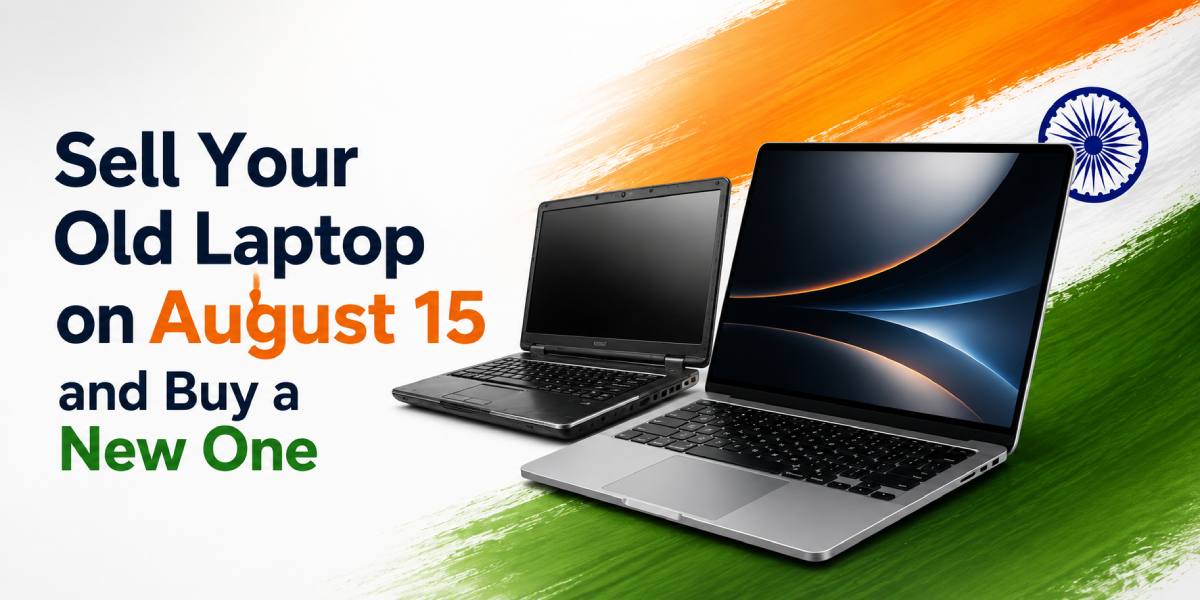
While August 15 marks the Independence Day of India, it also holds significance for starting afresh, setting up new objectives and investing in something that adds to the overall development of your career and personal life. If your old laptop is not serving its purpose any further and seems to have slowed down, now is the time to sell your old laptop and buy a new one.
In today’s world, it is necessary for students, professionals, entrepreneurs, freelancers, and even families to have a laptop in order to attend classes online, work from offices, carry out business functions, have video conferencing, do some research, entertain yourself or create something new. However, with the passage of time, your old laptop may prove to be frustrating as it might be unable to complete basic functions.
It would be better if you don’t just let your old laptop sit idle in your house and instead sell it through a platform like Reebuy.
Reebuy purchases used mobile phones, laptops, tablets, and smartwatches. Reebuy is not in the business of selling devices. The objective of Reebuy is to enable people to dispose of their old devices and create space for new technology. This aspect is very relevant for customers who wish to sell old laptops before buying new ones.
Independence Day brings a feeling of refreshing activities. Students may be getting ready for their examinations, professionals may be making plans to change careers, while businessmen may be looking into the need for their technology. A new laptop can help with such activities by making them efficient through speed, reliability, and productivity.
While your current laptop can power on without any problem, this doesn’t mean that it is doing so effectively. Some of the issues include slow startup, delays in applications opening, overheating, malfunctioning of the battery, and crashes. While they may appear small in the beginning, they will cost you time and money in the long run.
For instance, a student may lose several minutes trying to get a document or web page to load. A professional may get disturbed while attending a critical video call. A freelancer or content creator may find that the laptop cannot manage multiple applications or demanding software.
By selling your laptop on August 15, you will have a chance to choose an upgrade wisely. You will be able to assess the resale value of the device, contribute any money needed, and purchase a laptop which will better suit your present-day needs.
In no case should you aim at purchasing the most expensive or modern device just because it exists. A rational choice will imply assessing your needs and getting a laptop that brings some benefit in terms of speed, portability, security, and longevity.
There is a certain level of comfort people experience with their old laptops. There could be documents that are saved on the machine, or simply, they could have gotten used to the settings and programs present on the laptop. Nevertheless, it is not enough reason not to see the fact that the computer is becoming inefficient.
One of the clearest indications is slow performance. For instance, if it takes a long time for the machine to boot up, application processes are very slow, or the computer has difficulties processing information when many tabs are opened in the web browser, then chances are, the computer’s hardware is no longer efficient.
Frequent crashes and shutdowns are also indicative of inefficiency. This could be because of the battery, hard drive, operating system, motherboard or any other hardware present in the computer. When you use your computer at work or for educational purposes, such occurrences might lead to loss of data.
One other thing that could be happening with an old laptop is a problem with the battery. A battery that was supposed to offer many hours of usage could be offering a few minutes of service. In such a situation, you will need to have your laptop plugged into a power outlet all the time, hence reducing its portability and convenience.
You will also need a new laptop if the old one cannot accommodate the necessary software for your study or work. Current software for editing, accounting, design, programming, and business management could require enhanced performance capabilities.
In addition, there is also the issue of security. Some older laptops could lack the necessary support for current operating systems or security requirements. This means that your account and personal details could be at greater risk by using an old laptop without any updates.
If you experience a combination of most of these issues with your laptop, buying a new laptop could be easier.
By selling your old laptop, you will lower the cost of buying a new laptop. Rather than holding onto an idle computer just in case it comes in handy in the future, you could use the money from its value toward upgrading your computer.
The amount of money that you get will be influenced by various aspects, such as the make of the computer, its model, age, features, functionality, as well as the demand for it. A laptop that is in good condition will most likely fetch more money than a computer that is damaged beyond repair.
Getting rid of your old laptop ensures that it does not become outdated electronics that you will keep in some drawer somewhere in your house. Most laptops are never sold due to the lack of knowledge on how to sell them.
A laptop that no longer meets your needs may still be useful to another person. It may also have components that retain value. Selling the device gives it an opportunity to remain in use instead of being discarded without purpose.
For Indian consumers, selling an old device can be especially helpful as technology requirements continue to change. Students may need laptops for online learning, professionals may require better performance for hybrid work, and small businesses may need dependable devices for daily operations.
Reebuy is a company that buys back old electronic gadgets from consumers. It purchases only old phones, laptops, tablets, and smartwatches. Since Reebuy does not deal in selling any products, it should not be mistaken for an online store that sells laptops.
If your objective is to sell an old laptop before buying a new one, Reebuy can be considered as part of your upgrade plan. Before beginning the process, keep the laptop’s basic information available. This may include the brand, model number, processor, RAM, storage capacity, screen size, operating system, and approximate age.
It is also important that you have detailed information regarding the state of the laptop. You need to indicate if it turns on normally, if there are any damages to its screen, if the keyboard and trackpad function well, and if the charger that comes with the laptop is included in your list of items.
Truthfulness plays a significant role when you want to sell any type of electronic equipment. If the laptop is damaged, the battery has some problems, there is any kind of fluid inside it, display errors or even software problems, you must provide this information truthfully.
This information might play an essential role in determining the cost of the second-hand product.
Before selling your laptop, it is important to secure all the personal information. Your laptop could contain your photos, identification information, saved passwords, bank information, work documents, and your personal correspondence. Just deleting a couple of documents will not guarantee that all your personal information is deleted.
Firstly, a backup of the data saved in the laptop must be carried out. It means that the transfer of files such as documents, videos, images, and other files should take place to the external drive. To carry out this process, you have to check all the folders, including Documents, Downloads, Desktop, Pictures, and Videos.
Second, sign off all your personal accounts. This would include email, cloud storage, office software, social media, messaging applications, and others. In case there is any licence associated with the laptop, deactivate it to use it for your new laptop.
Remove any memory cards, USBs, wireless adapters, and other such components. In case you want to keep any extra storage component, do so before the completion of the deal.
After creating a backup, perform a factory reset or secure reset suitable for your operating system. This removes your personal accounts and prepares the device for its next user. If you are unsure how to reset the laptop securely, ask a qualified technician for assistance.
Clean the laptop using a soft, dry cloth. Wipe the exterior, keyboard, display, and touchpad carefully. Avoid using excessive moisture, especially near the ports and keyboard. A clean laptop is easier to inspect and present to a potential buyer or evaluation platform.
After you sell your old laptop, give yourself some time to think about the features that you would want in the next one. The next laptop should be chosen based on more than just how it looks.
For students, there is much they can consider, including cost, battery life, portability, and performance for browsing, online classes, homework, and presentation purposes. In the case of office-going people, they can look for a comfortable keyboard, a decent webcam, multitasking and connection performance.
Designers, developers, video editors, and other creative professionals often need more memory, faster storage, and stronger graphics performance. A mid-range laptop is usually sufficient for everyday tasks such as web browsing, document creation, online meetings, and video streaming.
People who frequently travel to universities, offices, libraries, or client sites should also prioritise portability when choosing a laptop. The laptop is easy to carry due to portability, although extremely thin laptops can come with less connectivity and options for upgrades. Take into account the way and location you are going to operate the laptop.
Also, there is another factor to consider – battery life. It varies from laptop to laptop and depends on the brightness, applications, internet connection, and workload. People who do not have access to power sockets all day long need to consider battery performance when buying a laptop.
Lastly, one should compare the warranties and after-sales services. A laptop from a company whose service centres are accessible and whose support is trustworthy would be easier to maintain.
Avoid rushing through the selling and buying process. First, assess your old laptop honestly and back up your data. Then, provide accurate specifications and condition details while selling it. Once the sale is completed, compare new laptops based on your actual needs and available budget.
Reebuy can be part of this process because it buys old phones, laptops, tablets, and smartwatches. It is important to remember that Reebuy does not sell devices. If you want to purchase a new laptop, you will need to explore a separate retailer or authorised seller.
August 15 is the best time to take a look at the technology you use regularly and evaluate whether it meets your needs. If your old laptop performs poorly, is prone to breakdowns, is hard to keep in working condition or just cannot run the necessary applications, getting rid of it by selling will most likely prove more cost-effective than investing additional funds in its repair.
Selling your laptop via a targeted website like Reebuy means getting rid of your outdated laptop and moving one step closer to obtaining a good laptop. Reebuy purchases old phones, laptops, tablets, and smartwatches only and does not deal with sales.
On this Independence Day, make the wise and far-sighted choice. Get rid of your old laptop that does not work anymore, secure your private information, budget properly, and get a new laptop to help you progress.